
Graveyard Keeper 2 Demo: Availability and Save Transfer
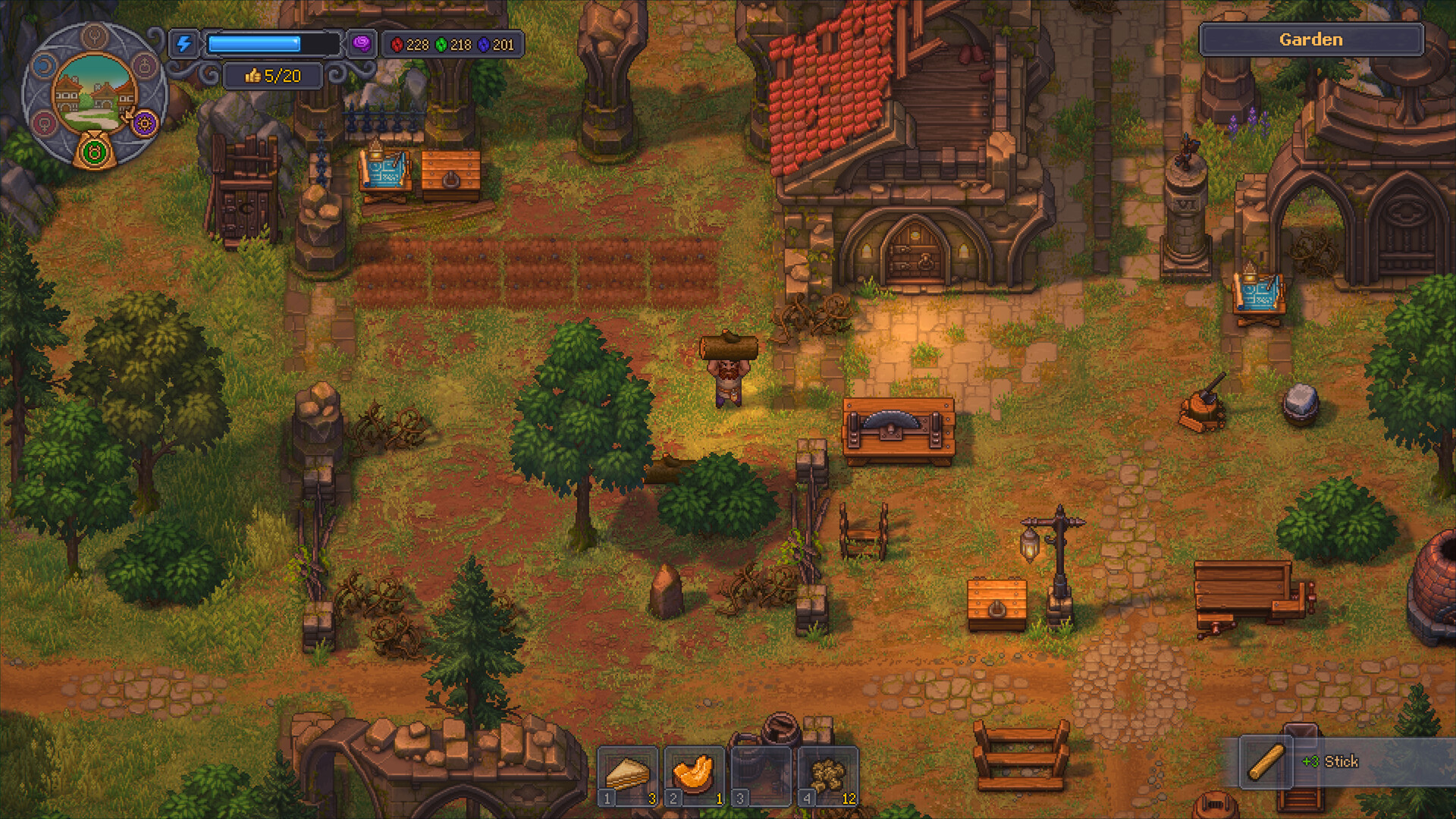
The Graveyard Keeper 2 demo is a useful introduction to the game’s graveyard, farming, production, quest, and early combat loops. The official Steam community announcements in the collected research state that the demo became available ahead of launch on Steam and consoles, and that demo save progress could carry into the full game. Availability can change after launch, so check the current store listing before promising a download link for a particular platform.
Is the Demo Still Available
The demo was announced for Steam, Xbox, PlayStation, and Nintendo Switch 2 in the collected official Steam news. The full game has since reached its announced launch date, so the correct current answer is platform-specific: open the official store page for your device and check whether the demo button is still present.
Do not send players to a third-party download mirror. If the demo is no longer listed, say that its current availability is unconfirmed rather than presenting an old store link as permanent. The official game website and the platform store are the safest places to verify the current status.
Platforms and Save Transfer
The official Steam community announcement says that players who tried the demo could carry the save into the full game. That is useful, but it should not be expanded into a guarantee that every platform, region, or account configuration will transfer identically. A player should use the same platform account, keep the demo installed until the full game recognizes the save, and verify the result before deleting local data.
Save transfer is also a good reason to make a manual backup when the platform allows it. Do not overwrite a working full-game save with an older demo file unless the game explicitly offers the migration. If the transfer does not appear, restart the game and check the official support route before repeatedly copying files.
What the Demo Teaches
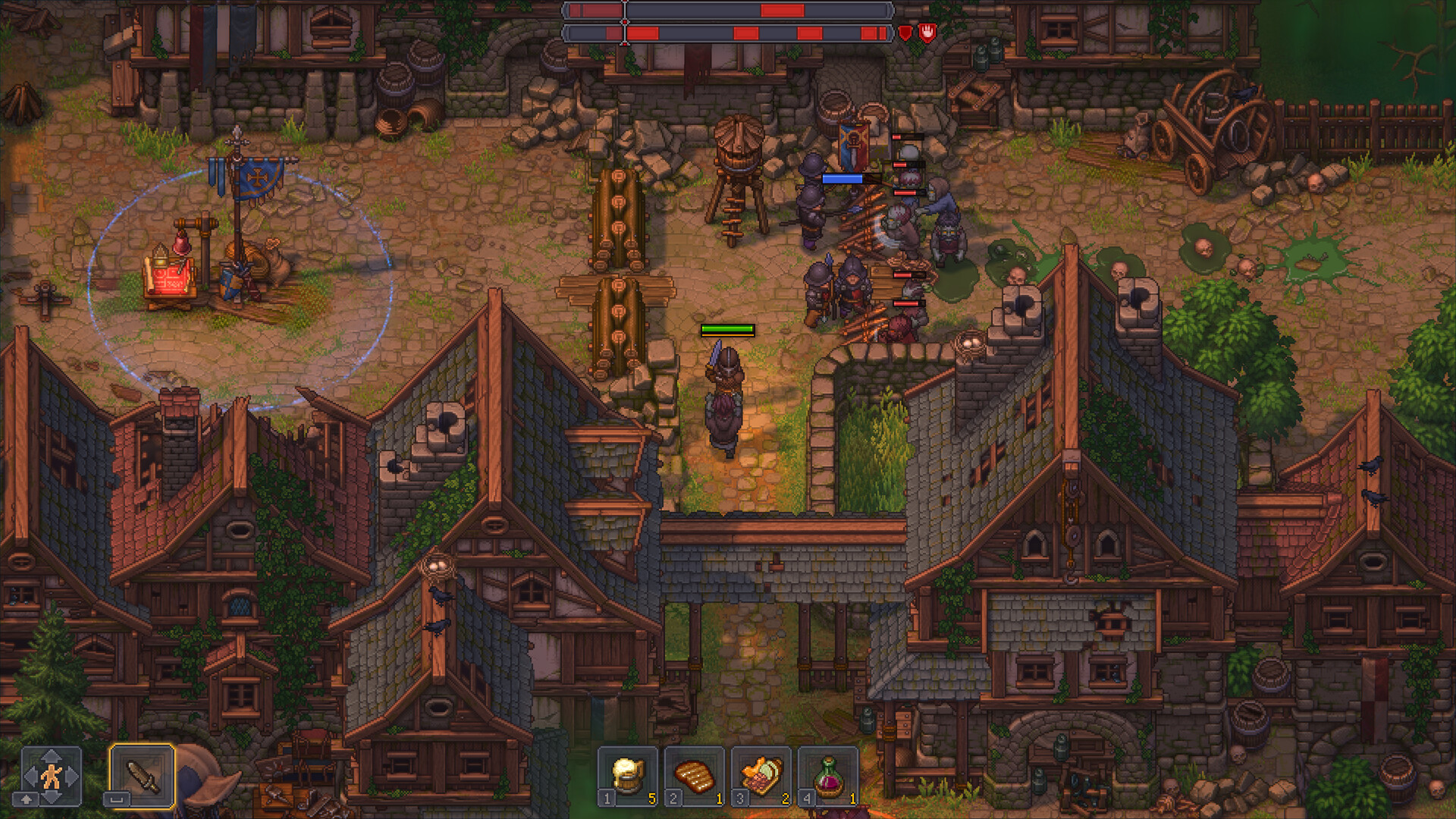
The collected playthroughs show a compact route through gathering, farming, food, technology, corpse processing, Faith, quests, and an early battle. The demo is valuable because it teaches the rhythm of the game: every new station is connected to a material chain, every trip competes with energy and inventory space, and story quests open systems that are not available from the beginning.
Use the demo to test whether you enjoy that rhythm, not to memorize every recipe. The demo limits progression, and some features such as the full Factory or extended town restoration may sit beyond its boundary. A greyed-out item in the demo is not proof that the complete game uses the same unlock order.
What Is Different in the Full Game
The collected research describes the full game as expanding automation, zombie workers, the Factory, town restoration, battles, production chains, and remote resource routes. The exact content available after the demo depends on the current release build, but the planning lesson is stable: move from manual production to small automated chains, then add Factory logistics after the underlying inputs are understood.
Keep demo advice labeled as demo advice. A recipe, quest gate, enemy wave, or save behavior observed in a preview can be changed before or after launch. The page should always separate “confirmed by the official announcement” from “observed in a gameplay transcript.”
What Needs Confirmation
The demo’s current store availability, platform support, save-transfer behavior, and whether a platform retains local demo files can change. Confirm them against the platform store and official support page at the time of publication. This page keeps the official announcement as the source for the original demo and transfer claim, while avoiding a permanent promise that the download remains live.
Source notes
This page was synthesized from the official Steam community announcements, the official demo launch trailer, and the supplied gameplay transcripts. The official Steam store page is used for current store context and images.